Evri tracking not updating: who to contact and what to check
Check the last tracking event, confirm who booked the label and contact the right organisation. A practical guide for Evri senders and recipients.
At a glance
- Start with the official tracking page and save the latest event and its date.
- Recipients should raise delayed or missing-parcel concerns with the sender.
- For a label bought through a third party, contact that booking service.
- Have your tracking number or drop-off receipt ready before an enquiry.
In this article (7)
If Evri tracking has stopped updating, check the latest event on the official tracking page and confirm who booked the label. Recipients should contact the sender about a delayed parcel; senders who bought through a third-party booking service should contact that service. A gap in updates alone does not establish that a parcel is lost.
Start with the actual tracking event
Open Evri’s official tracker and check the reference against your booking confirmation. Evri’s tracking FAQ describes a 16-digit tracking number and an eight-digit calling-card reference. If you have no tracking information, ask the sender whether the parcel has reached Evri: the carrier says there can be a gap between dispatch notification and receipt into its network.
Our practical suggestion is to save the exact event text and the date you checked it. “Tracking has not changed since Tuesday” is more useful than “the parcel has vanished”, because it separates what you can see from what still needs investigating.
Choose the right contact route
Evri’s complaints procedure distinguishes recipients, direct senders and people who booked through another service. Use that distinction before starting an enquiry.
| Your situation | Where to start |
|---|---|
| You are waiting for an online order | Contact the retailer or sender about the delay. |
| You bought the label directly from Evri | Use Evri’s official support channels. |
| You bought an Evri label through a marketplace or booking service | Contact the service through which you booked. |
| Tracking says delivered, but you do not have the parcel | Tell the sender what the tracking shows and what you have checked. |
The carrier cannot refund the retail purchase itself. Keep questions about the order and any requested replacement with the retailer, while the relevant sender or booking service investigates the shipment. This guide does not promise a particular refund or claim outcome.
Prepare a clear enquiry
Evri’s contact page asks customers to have a tracking number, ParcelShop receipt number or calling-card number available. It provides online chat and telephone support. Use that page for the current contact options rather than relying on a number copied from an old forum post.
As an editorial checklist, include:
- The order or booking reference, plus the parcel reference.
- The last tracking event and the date it appeared.
- The date and method of handover, with a drop-off receipt if you have one.
- A short description of the problem and any previous enquiry reference.
Keep a copy of your message and the reply so you can continue the same case without reconstructing the history. Share parcel references through the relevant private support channel rather than posting them publicly.
Advice for online sellers
Use the tracking record when replying to a customer, and distinguish confirmed events from assumptions. Avoid inventing an investigation deadline or promising a delivery date that the carrier has not confirmed. For wider context, browse our Evri coverage, tracking help and shipping and claims guides.
Common questions
Does a missing scan mean the parcel is lost?
The tracking gap alone does not establish that. Record what the tracker says and use the appropriate enquiry route.
Should I contact Evri if I booked somewhere else?
Evri directs customers who used a third-party service to contact that service directly. Keep your booking confirmation to identify which organisation to approach.
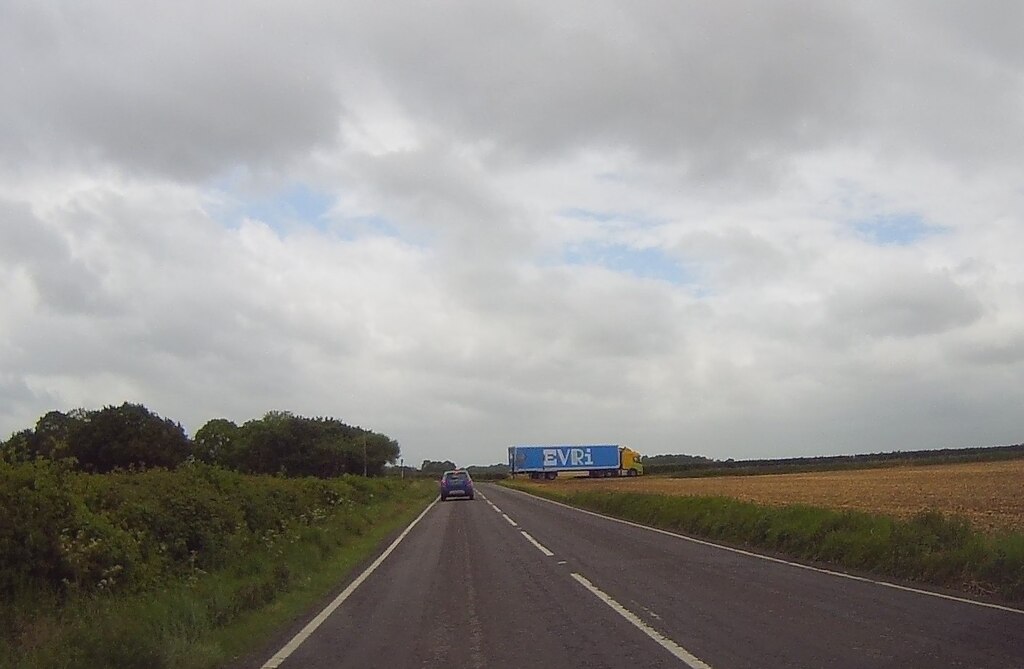
Official sources checked on 31 October 2026. This is an independent Parcel Insider guide, not a live service-status alert. Illustrative photo: “Evri Truck” by Bill Nicholls, Geograph, via Wikimedia Commons. Photo and displayed crop licensed CC BY-SA 2.0. Original file uploaded unchanged; cropped to fit the page layout. It does not depict the parcel discussed in any reader’s enquiry.
Sources
Match your enquiry to the organisation that sold the goods or booked the label, and include the last tracking event.

Parcel news that matters.
Courier changes, delivery disruption, price updates and practical shipping guidance.
No spam. Unsubscribe anytime.