UPS My Choice in the US: delivery changes, costs and limits
A US guide to UPS My Choice: free membership versus paid changes, guest requests, address corrections and shipment restrictions.
At a glance
- US guide: UPS offers free Basic membership and paid Premium membership.
- Delivery options and costs depend on the request and shipment.
- Small address corrections differ from redirecting to another destination.
In this article (7)
US guide: UPS My Choice lets recipients view shipments and request available delivery changes, but a free account does not make every change free or available. Open the parcel in tracking and check the options offered for that shipment. UPS publishes the membership comparison on its US My Choice page.
What is free, and what may cost extra?
UPS lists Basic membership as free and Premium at $19.99 per year. Its comparison includes alerts, delivery photos and shipment visibility, alongside paid delivery-management options. Additional transportation charges can apply outside the original delivery area. Check the current comparison and the price shown for your request before authorizing payment.
Our recommendation is to start with the specific task you need, rather than buying a subscription because a parcel is already causing concern. Compare the offered one-time request with membership only after confirming that the shipment can accept the change.
How to request a change
- Track the package. Use the parcel’s tracking number and read the latest event.
- Select “Change My Delivery”. UPS says My Choice members can log in and choose the parcel. Its guest route uses an email one-time passcode without a login.
- Review the choices and charge. Pick only an option actually shown. Check the destination, date and any extra costs.
- Keep the confirmation. Record what you requested, then monitor tracking for the outcome.
The request routes are described on UPS’s US delivery-change page. Keeping a record and checking the result are our practical suggestions.
Address correction is different from redirection
After an unsuccessful attempt, UPS describes “Correct My Address” for small adjustments such as a ZIP Code or apartment number. If that option is unavailable, it directs you to contact the sender. A move to a different destination is a different request; do not assume that adding an apartment number and changing cities have the same process or cost.
| Your goal | Start here |
|---|---|
| Add missing address details | Check for the address-correction option in tracking. |
| Receive the parcel on another day | Review delivery-change choices for that shipment. |
| Collect instead of receiving at home | Check the offered pickup destination before travelling. |
| Change a shipment you sent | Use the sender route, rather than assuming recipient preferences apply. |
Why might an option be missing?
UPS says shipment contents and delivery-change restrictions can affect availability. Treat the options in tracking as the starting point for your parcel, rather than a general list of services you are entitled to use. If you need the sender’s help, explain the exact missing detail or desired outcome.
A useful message is: “The apartment number is missing, and tracking does not offer a correction. Can you check the shipment?” That gives the seller a clearer task than asking them to “fix My Choice”. This is suggested wording, not a UPS support requirement.
For sellers helping a US customer
Separate an update to your store’s order record from a change to a parcel already moving through the carrier network. Save the customer’s request, check the carrier route and report what was actually confirmed. Editing the order record alone should not be treated as proof that the shipment has been redirected.
These instructions concern UPS in the United States. Visit our UPS US hub and US shipping homepage for regional coverage. For a different carrier, our USPS Package Intercept guide explains its separate sender-request process.
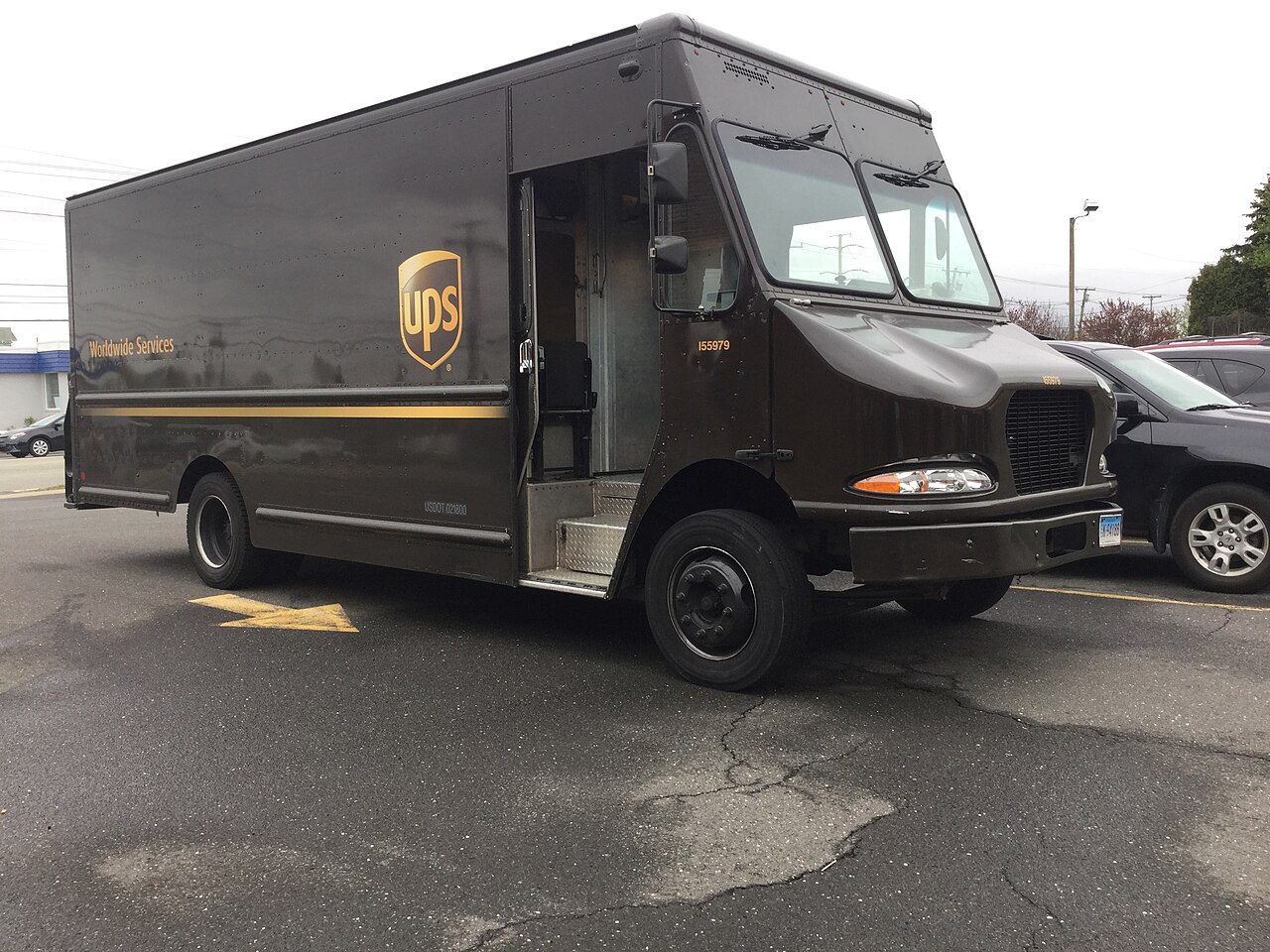
Sources checked on 3 November 2026. Illustrative archive photograph: “2010s UPS truck” by Mike Mozart, via Wikimedia Commons. Photo and displayed crop: CC BY 2.0. Wikimedia 1280px resize; cropped for the layout. This photograph does not document a reader’s shipment or a current delivery incident.

Sources
Check the options and price for the actual shipment before choosing a paid change or membership.
Related guides
 US
USPS Package Intercept: fees, limits and how to request it
Can you stop a USPS package or change its destination? Check retail versus commercial options, the current fee…
2 Nov 2026
 US
FedEx delivery exception: what it means and what to check next
A FedEx delivery exception does not establish that a package is lost. A US guide to reading the event, checkin…
3 Nov 2026
Parcel news that matters.
Courier changes, delivery disruption, price updates and practical shipping guidance.
No spam. Unsubscribe anytime.