Evri returns without a printer: QR codes and ParcelShop steps
For an eligible UK retailer return, a ParcelShop with a printing device can print the Evri label from your code. Check the return method before travelling.
At a glance
- Use the return method offered by the retailer.
- A participating ParcelShop can print a return label using the supplied QR or authorisation code.
- Do not assume a general locker printing option works for your particular return.
In this article (6)
For an eligible Evri retailer return in the UK, you can use a ParcelShop with a Print In ParcelShop device to print the return label from the QR or authorisation code supplied by email. Check the retailer’s return method and the location’s printing facility before travelling. Evri’s returns instructions.
Start with the retailer’s return process
Evri’s return page asks customers to find the retailer and provide the requested order details before selecting a return method. The methods and information needed depend on that return. Evri return booking guidance.
Our recommendation is to keep the retailer’s return confirmation beside the order record. Check that it describes the item you intend to send back and that the destination and carrier match the instructions. Do not buy an unrelated outbound delivery merely because the original order arrived with Evri.
Use a ParcelShop that can print the label
Evri says most ParcelShops have printing devices. Its Print In ParcelShop instructions describe choosing a code instead of a label and scanning or entering that code at the device. A shop partner can help if there is a problem. Evri’s printing guide.
- Complete the retailer-approved return process and save the relevant code.
- Choose a location showing the required printing facility and check its opening hours.
- Pack and seal the parcel, keeping the code available on your phone or in the supplied format.
- At the device, use the code for that specific return to print the label.
- Check the label against the return confirmation, attach it securely and complete the handover.
- Keep any handover receipt and return tracking reference with the order.
The checks in this sequence are our editorial recommendations. If you have several returns, handle each package and its code together. A simple order-reference note beside each packed item can help avoid attaching one retailer’s label to another retailer’s goods.
Can you use a locker without printing at home?
Evri’s published guidance is not uniform across all pages. Its general locker-sending FAQ says many lockers can print labels from booking QR codes. Its retailer-returns page still tells customers to print and attach the label for locker returns and courier collections. General locker advice; specific returns advice.
We therefore recommend following the instructions attached to your actual return. Do not infer that every locker or return QR code supports on-site printing. If the booking does not clearly confirm that option, choose a confirmed Print In ParcelShop location or ask the retailer before making the trip.
If the code or printing step fails
| Problem | Useful next check |
|---|---|
| You have a label file but no code | Reopen the return confirmation and check whether a printer-free method was offered. |
| The device cannot use the code | Check it belongs to this return and ask the shop partner for help. |
| The retailer is missing from the return booking | Ask the retailer which approved method to use. |
| The parcel has been handed over but progress is unclear | Keep the receipt and current tracking details before contacting the organisation handling the return. |
These are troubleshooting recommendations, not a promise of refund timing. Keep the retailer’s refund decision separate from the evidence that you handed over a parcel.
For help after handover, see our Evri tracking and contact guide. Check our Evri liquids restrictions guide before returning liquid products. The Evri hub and Evri guides category provide related help.
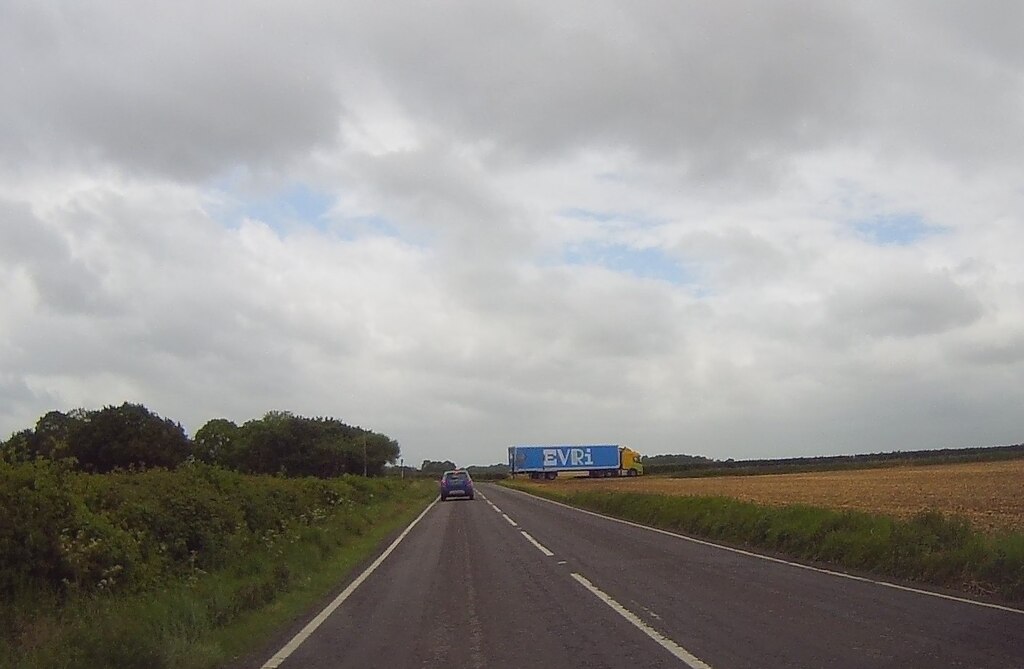
Sources checked on 8 November 2026. Independent Parcel Insider guide for UK readers. Illustrative archive photo “Evri Truck” by Bill Nicholls, via Wikimedia Commons / Geograph, taken in Garford on 19 May 2026. Photo and displayed crop licensed CC BY-SA 2.0. Resized and cropped for display. It does not show a returns drop-off.

Sources
Confirm the return booking, code and printing facility together. A printer-free return still needs the correct label attached before handover.
Related guides
 UK
Can you send liquids with Evri? UK restrictions and compensation
Some UK liquids are excluded from compensation, while perfumes, oils and other named liquids are prohibited. C…
6 Nov 2026
 UK
Evri tracking not updating: who to contact and what to check
Check the last tracking event, confirm who booked the label and contact the right organisation. A practical gu…
31 Oct 2026
 UK
InPost collection deadline: 72 hours, codes and collecting for someone else
InPost gives locker customers 72 hours to collect. Check the ready notification, exact location and collection…
6 Nov 2026
 UK
Royal Mail small or medium parcel? UK size limits and boundary examples
Check each outside dimension and the packed weight together. Worked examples explain when a light parcel excee…
8 Nov 2026
 UK
FedEx warns of possible Spain delivery delays on 11 November
FedEx’s 6 November alert warns of possible delays to some Spanish pickup and delivery services on 11 November.…
7 Nov 2026
 UK
Royal Mail Christmas posting dates 2026 and a UK dispatch plan
Royal Mail’s recommended Christmas dates run from 18 December for 2nd Class to 23 December for Special Deliver…
5 Nov 2026
Parcel news that matters.
Courier changes, delivery disruption, price updates and practical shipping guidance.
No spam. Unsubscribe anytime.